AI Chatbot for Small Business: What It Does and How to Start
An AI chatbot is a tool on your website or messaging channel that answers customer questions in plain language, collects contact details, and hands the conversation to your team when it should. For a small business, the value is simple: customers get a reply at any hour, and your staff spend less time on repeat questions.
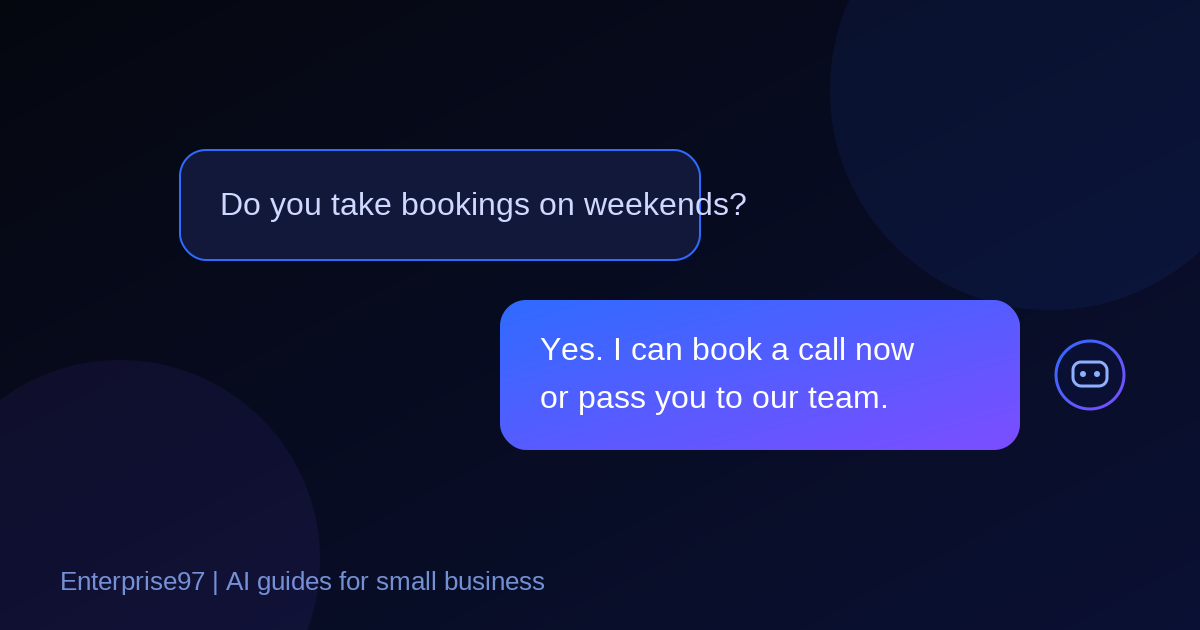
What can an AI chatbot do for a small business?
A chatbot is most useful for repeat questions and first contact. Typical jobs include:
- Answering common questions about services, hours, locations, and how you work
- Collecting leads: name, email, and what the visitor needs
- Sharing a booking link or scheduling a call
- Passing urgent or complicated messages to a person
- Replying outside office hours, on weekends, and during busy periods
How does an AI chatbot work?
A chatbot reads the visitor's message, looks for the answer in the information you give it, and replies in plain language. A well-built one follows four steps:
- Understands the question, even when it is worded in an unusual way
- Finds the answer in your approved content, such as website pages, FAQs, and policies
- Replies in a clear, friendly tone and asks a follow-up when something is unclear
- Hands over to your team when it cannot answer or the topic is sensitive
What should a chatbot not handle on its own?
Keep a person in charge of anything where a wrong answer could cost money or trust. That includes custom quotes and pricing exceptions, complaints, refunds, and legal, medical, or financial advice. The chatbot should say it is an AI assistant and offer a clear way to reach a person.
What do I need to prepare before launch?
Most of the work is on your side, and it is simple:
- A list of the 10 to 20 questions customers ask most, with answers you approve
- Your services, hours, service areas, and what you do not offer
- The details to collect from each visitor, and who is notified
- Rules for the chatbot, such as no promises, no price quotes unless approved, and always identify as AI
- A way to review conversations after launch
How do I launch a chatbot safely?
Start small and widen it as it proves itself:
- Choose one goal, such as answering FAQs or capturing leads
- Load only approved information
- Test with real and awkward questions before going live
- Launch on one page or channel first
- Read the conversations weekly and fix gaps
Use what a small business should automate first to pick the right starting task, and read what AI automation costs before you request quotes.
Does Enterprise97 build AI chatbots?
Yes. Enterprise97 designs chatbots for customer support, lead generation, and business communication, trained on your own information, and keeps a person in control of anything customer-facing. See AI chatbots, or book a free consultation.
Common questions
What is an AI chatbot?
An AI chatbot is a tool on your website or messaging channel that answers customer questions in natural language, collects contact details, and passes the conversation to your team when needed.
How much does an AI chatbot cost for a small business?
It depends on the scope. A simple question-and-answer chatbot costs less than one connected to your calendar, CRM, or email. Ask every provider which costs are one-time setup and which are monthly.
Will a chatbot replace my staff?
No. It takes repeat questions and first contact so your team can focus on work that needs judgment. Anything sensitive should go to a person.
Can an AI chatbot give wrong answers?
Yes, any AI tool can. That is why it should answer only from approved information, be tested before launch, and hand over to a person when it is unsure.
Do I need technical knowledge to run one?
Not usually. A good setup lets you update answers in plain language, and the provider handles the technical parts.